JPG Specialist • 50-80% Smaller • No Quality Loss

Compress JPG Online
Without Losing Quality

Free browser-based JPG compressor. Reduce JPEG file size by 50-80% instantly while keeping crystal clear visuals. No uploads, no limits, 100% private.

80%
Avg Size Reduction
JPG
Optimized
0
Server Uploads
Files / Month
Drop JPG images here

or click to browse · JPEG, JPG files

JPG Optimized Batch Support No Quality Loss 100% Private
0
Files
0 KB
Saved
0%
Reduction
Compressed JPG Files
Ad Slot · 728×90

Quality Stays. File Size Drops.

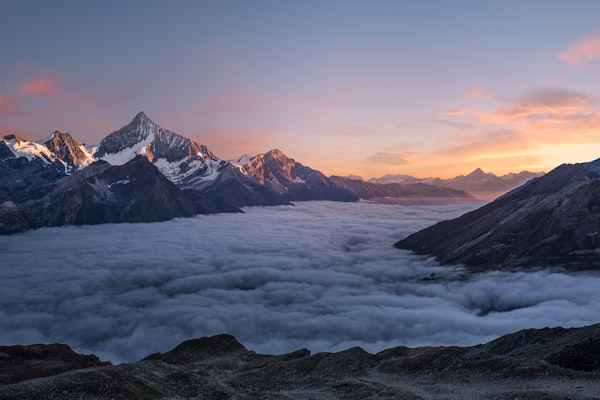
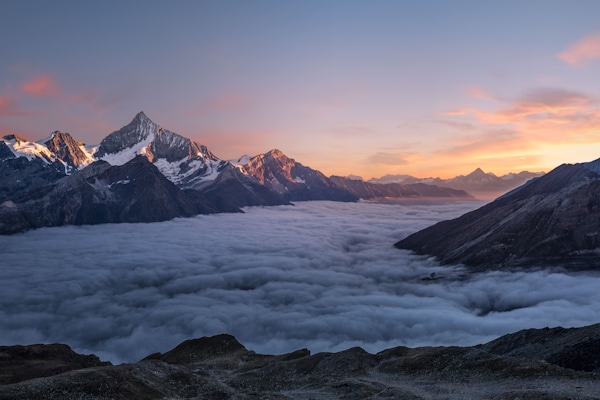
See how iCompressIt reduces JPEG size dramatically while the image looks identical.
Before JPG compression
● BEFORE
~480 KB
After JPG compression
✓ AFTER
~92 KB
VS
87%
Smaller File
Same
Visual Quality
Faster Load
Auto
Format Match

Compresses JPEG, PNG, WebP, AVIF - always outputs the smallest possible version

Compress JPG images online with best quality preservation - all free, all in your browser, all in seconds.

JPEG PNG WebP AVIF GIF BMP TIFF SVG ICO HEIC

Everything you need to optimize JPGs

Drop it. We handle the rest - automatically.

JPG Smart Compression

Advanced JPEG optimization that finds the perfect balance between quality and file size.

Multi-Pass Strategy

Tries multiple compression techniques and keeps the smallest result for every JPG.

Size-Safety Guarantee

Output is always smaller or equal to the original. Never increases file size.

100% Private

All processing happens in your browser. No images are uploaded to any server.

No Limits

Compress unlimited JPGs. No file size limit, no daily quota, no watermarks.

Bulk JPG Compression

Process dozens of JPEGs at once and download them all as a ZIP.

How JPG Compression works

01

Drop Your JPGs

Drag & drop or select multiple JPEG images.

02

Smart Multi-Pass

We analyze and apply optimal JPEG compression settings for each image.

03

Download & Done

Get dramatically smaller files while keeping visual quality intact.

Frequently Asked Questions About JPG Compression

Drop your JPG images into the tool above. iCompressIt automatically compresses them using optimal settings for JPEG files. No account or payment needed.
No visible loss. We use smart quality targeting (usually 70–82) that removes unnecessary data while keeping the image looking sharp to the human eye.
No. All processing happens locally in your browser using the Canvas API. Your images stay on your device.
For web use, 75–82 usually gives the best balance. iCompressIt automatically finds the sweet spot for each individual image.
Yes. You can drop dozens of JPGs at the same time. All files are processed and can be downloaded individually or as a ZIP archive.
Some images (especially screenshots or already highly compressed files) have limited room for further compression. iCompressIt will return the original if it cannot make it smaller.
Yes - because it runs locally, has no limits, no watermarks, and uses advanced multi-strategy compression specifically tuned for JPEG.
Ad Slot · 728×90 - Pre-Footer